 Build Me An App
Get the idea out.
Hold to talk or type a few thoughts. Explain what your app should do and who it’s for.
A tracker that fits your routine. A game with your rules. Say or type your idea, then turn it into an app — right on your phone.
 Android, here today.
AI creation plans from $19/month. Your code is yours to keep.
Start small. Try the first version. Tell it what to change. You don’t need to know how to code to get going.
Hold to talk or type a few thoughts. Explain what your app should do and who it’s for.
Watch your app take shape, then open the working preview on your phone. Tap around and try it.
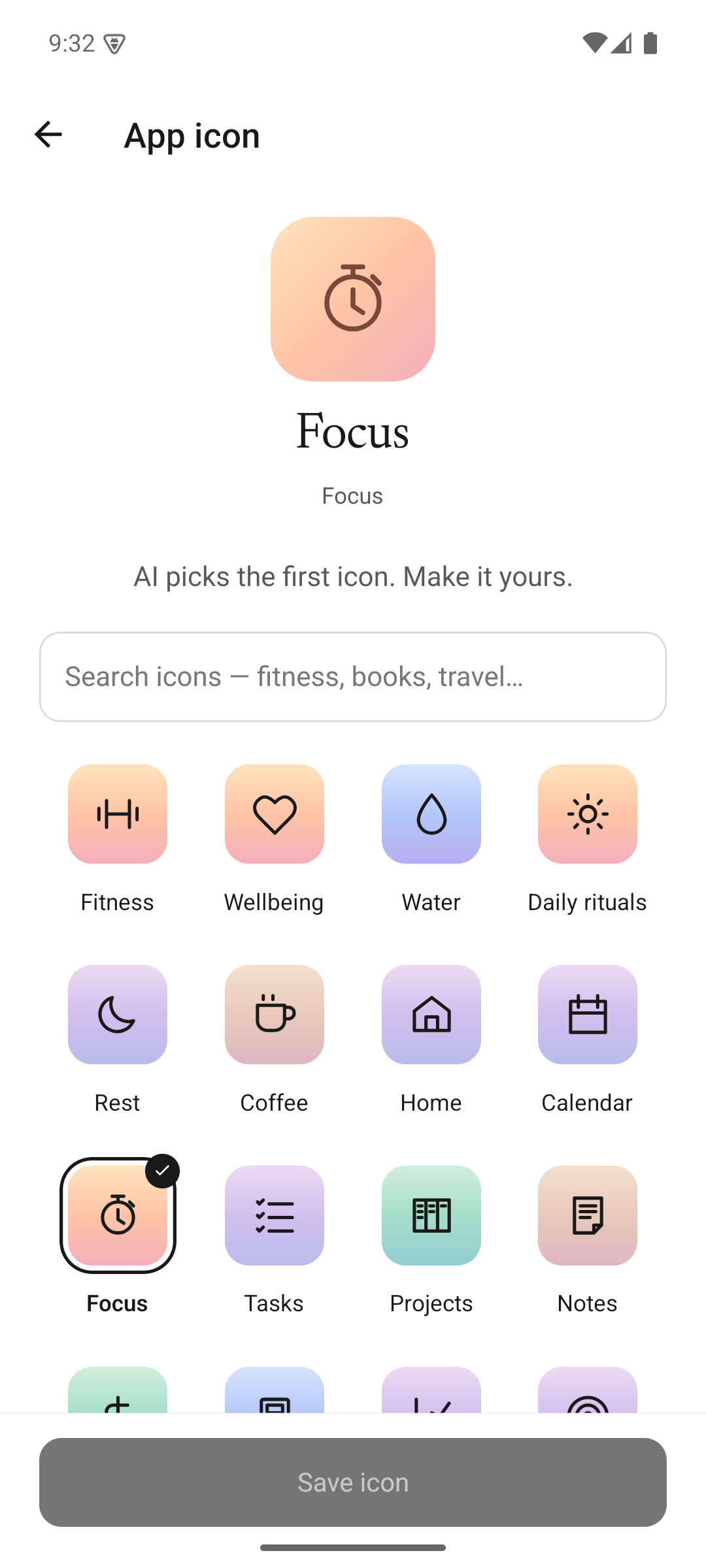
Ask for changes, choose an icon, and revisit earlier versions. Build an Android app when you’re ready.
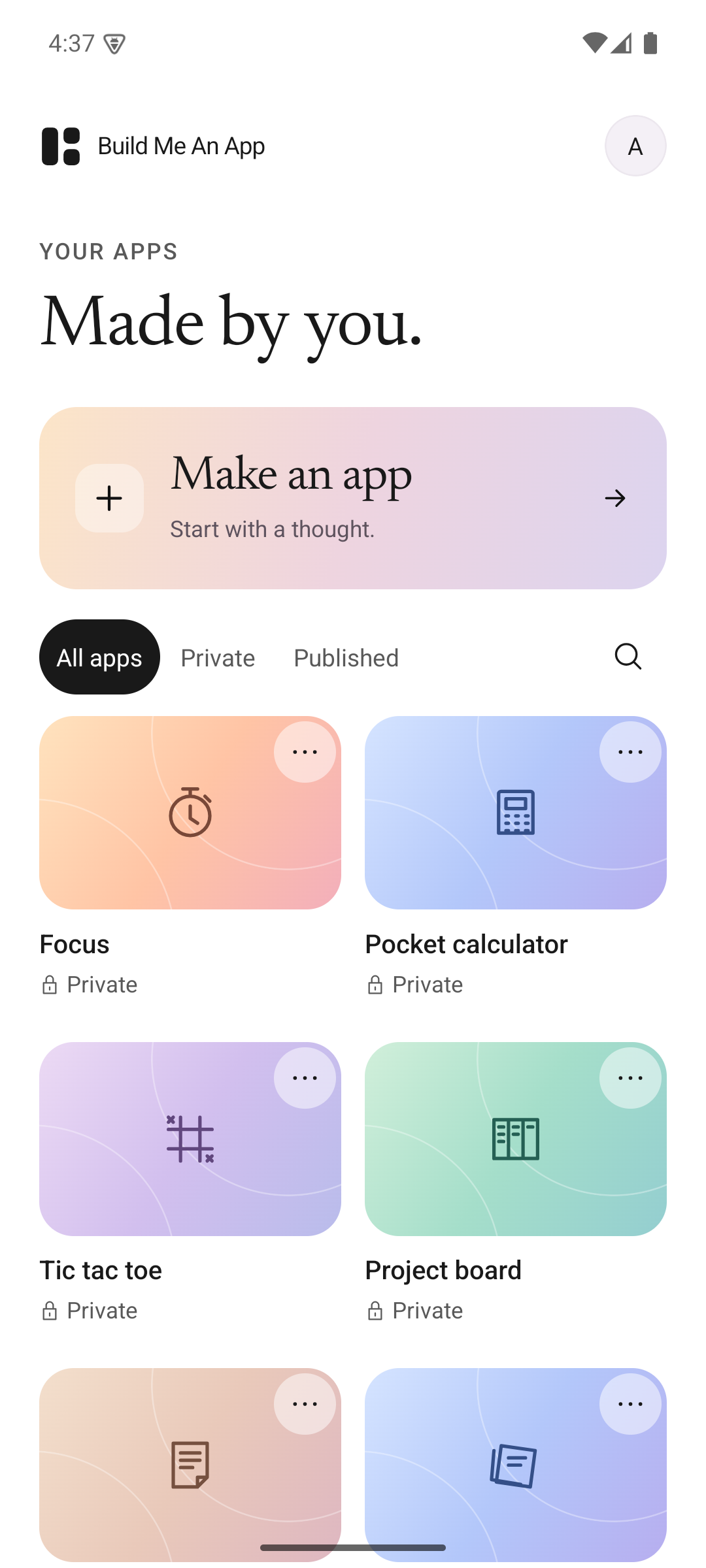
Real Android captures of the app library, idea canvas, and example apps. Your own apps will look different, because they start with you.
Keep your ideas together before you build.
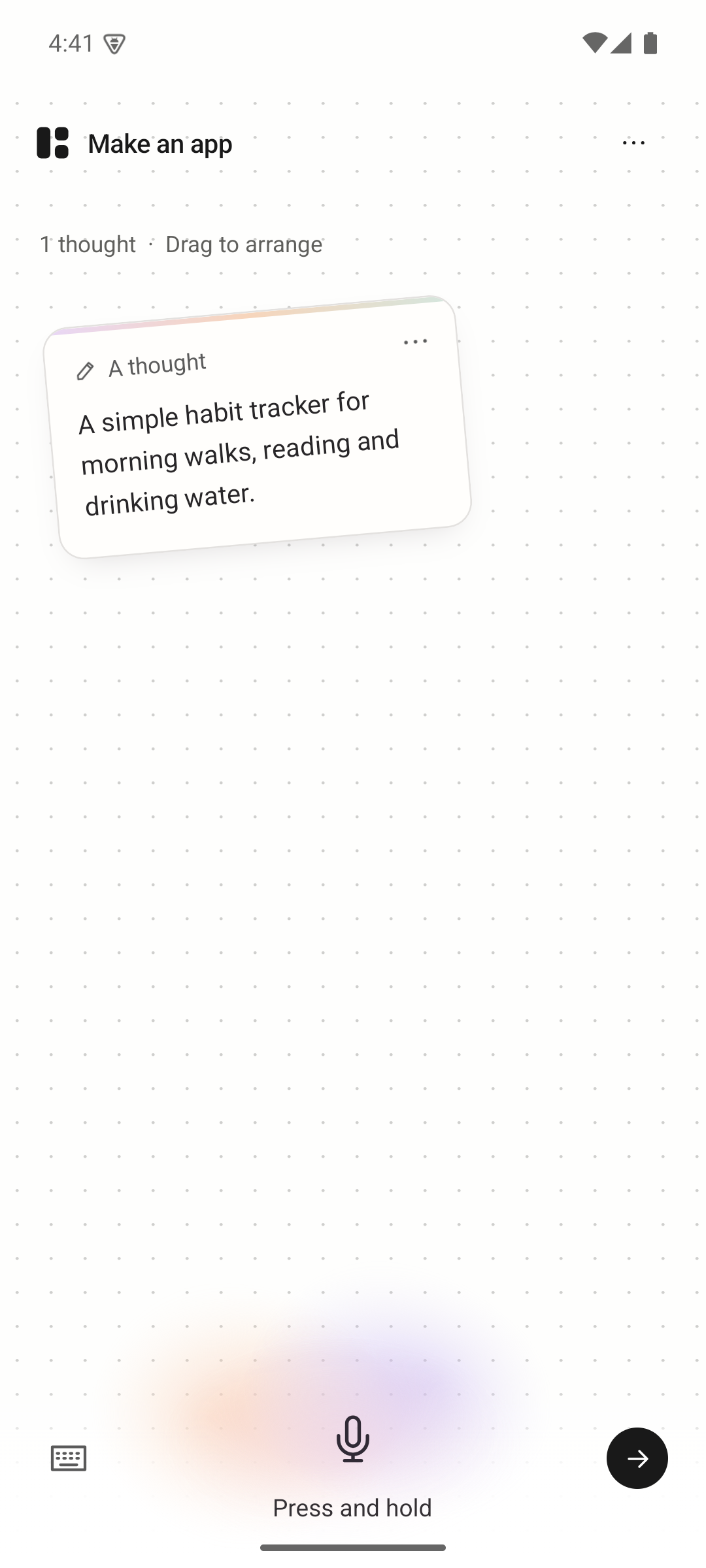
Open your app and see how it feels.
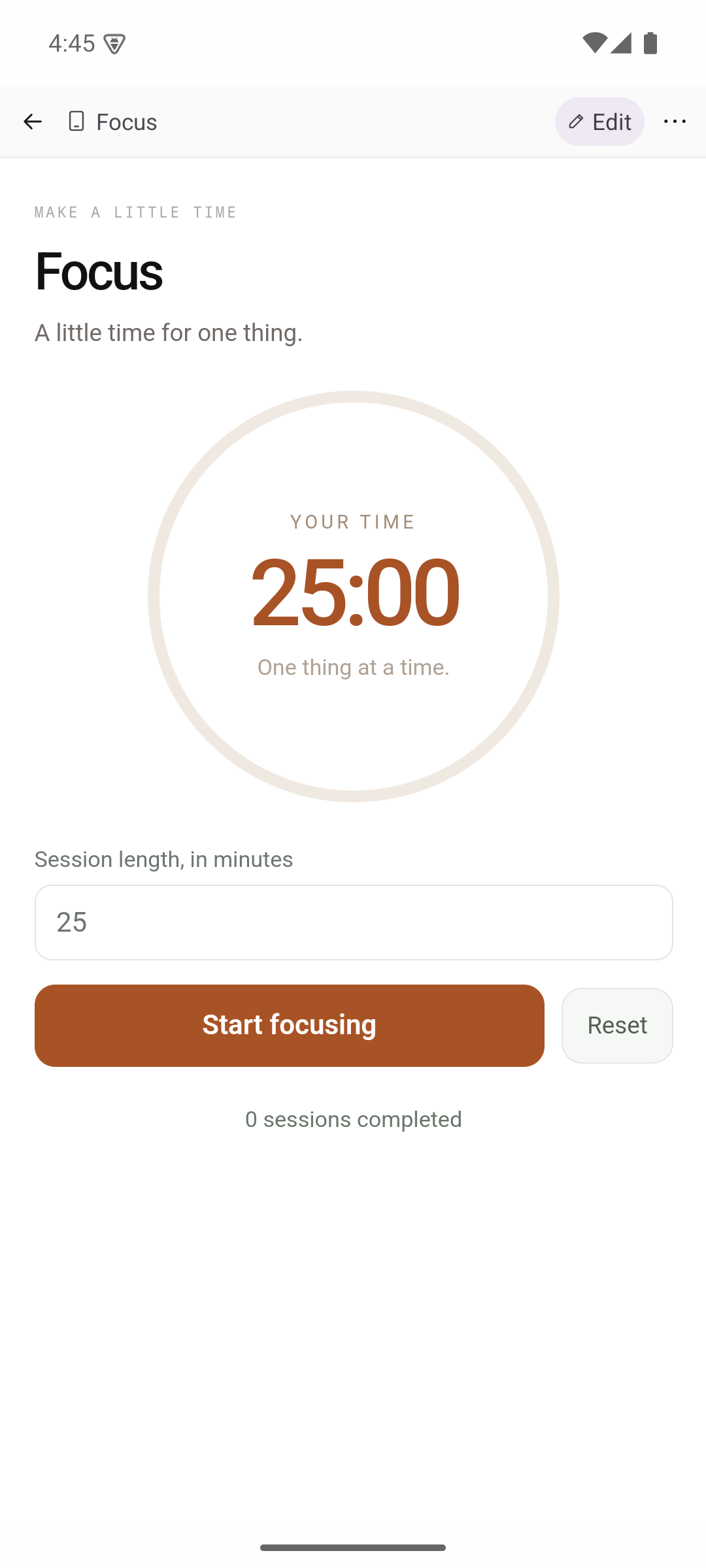
Choose the finishing touches for your app.
Your idea can grow beyond the first version. Take the source code with you, export your data, and decide what to share.
See how we compareNew AI apps are Expo (React Native) projects. Download the source ZIP and keep working on it.
Export a copy of your apps and saved entries from Data & privacy in Settings.
Publish a web link to an app when you want others to try it, and take it offline again when you choose.
Build an Android APK with its own icon. iPhone builds and direct store submission are still to come.
Choose Maker or Studio in the app to create new apps and make AI changes. Both include source downloads and Android build credits.
$19 USD / month
$49 USD / month
AI usage depends on the model and the work you ask it to do. One Android build uses one build credit. Credits refill at the start of each calendar month.
Subscriptions renew monthly through Google Play. Cancel in Google Play at any time. Local prices may differ. Apps you’ve already made stay usable after your plan ends.
No. Describe what you want in your own words, then ask for changes. If you do write code, you can download the Expo project and take it further.
Start with a focused tool, tracker, small game, or personal project. A clear first idea is easier to test and improve. AI-generated apps can need a few rounds of changes, so check the result before relying on it.
Yes. New Expo apps can be built as an Android APK and installed with their own icon. You can also use the in-app preview or publish a web link. iPhone builds and direct store submission are not available yet.
The public download is currently for Android. The App Store release will follow.
Your existing apps stay usable. An active plan is required for new apps and AI changes. Manage or cancel your subscription in Google Play.
Your apps are private until you choose to publish them. AI features process the ideas and app content needed to fulfil your request. Read the privacy policy for details, or export your data from Settings.
Start with a thought. See where it goes.